





Exchange Monitoring and Reporting can prove to be difficult for a variety of reasons. The systems architecture, your resources and the complexity of most monitoring tools can lead to endless administration costs.
GSX provides an out of the box tool, already preconfigured to report and alert on the components and services that really matter.
Main Microsoft Exchange Challenges :
With an agentless installation, GSX Monitor simulates user activities (Client Access connectivity, DAG availability, Mail Routing, etc.) to provide administrators a real time overview of the service performance that your infrastructure is truly delivering to your business lines.
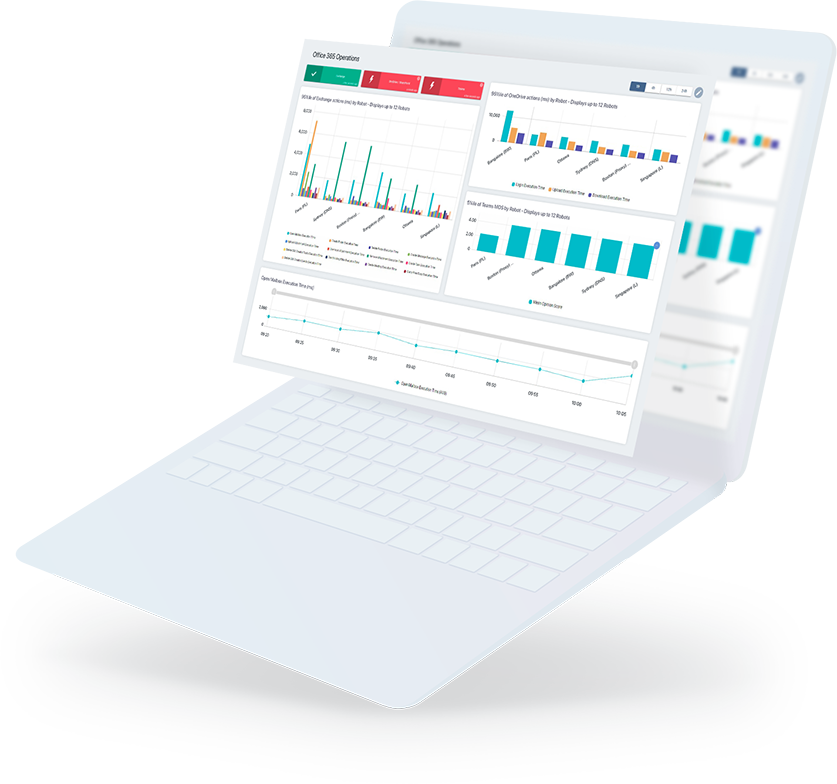
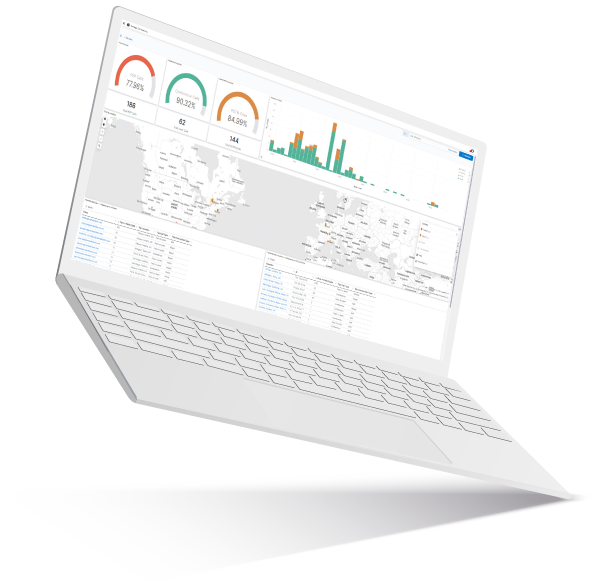
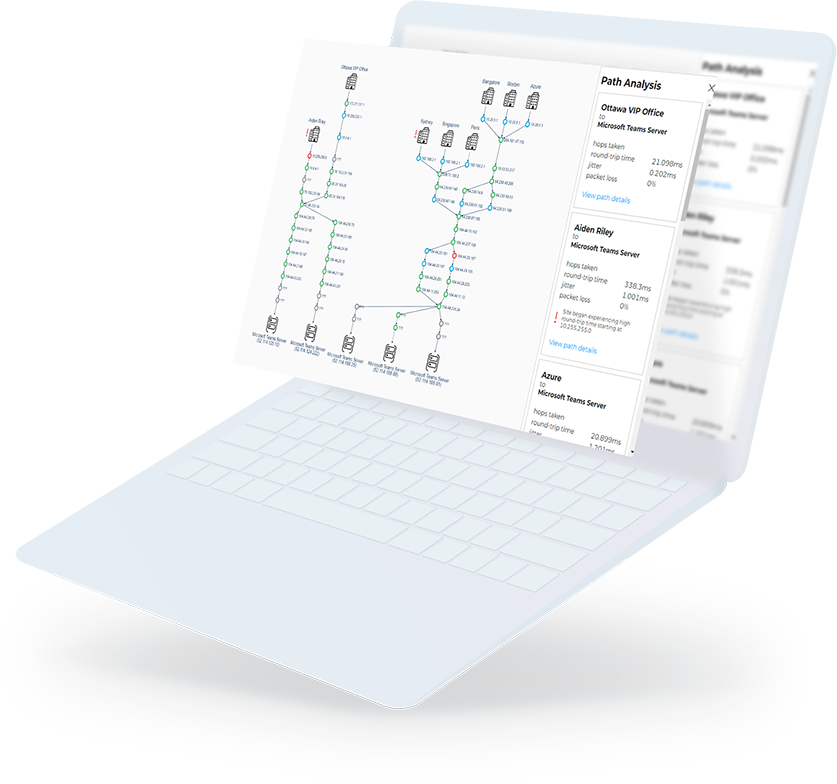
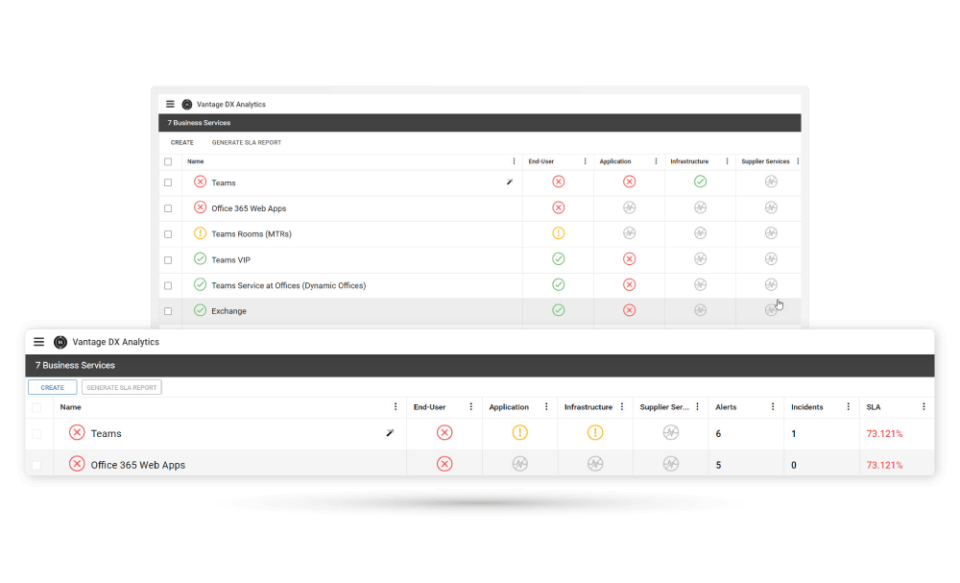
GSX Monitor provides you real time information on an agentless console…


…and a simple yet powerful reporting tool that allows administrators to schedule automatic reports on your messaging and collaboration environment.

Video GSX Monitor: Microsoft Exchange Features
Key Features for Exchange Monitoring
- Monitor performance with user simulation metrics
- Monitor the performance and availability of all Exchange roles : Client Access connection availability, Server accesibility and services, disk and cluster avalibility.
- Monitor Client Access Servers (CAS) – Alert on CAS Status, Threshold Alerts for OWA average response time, Threshold Alert for Download Tasks Queued
- Run CAS protocol checks including MAPI connectivity testesting, Outlook Web Access connectivity, POP3 service verification, IMAP service verification, and also an Active Sync configuration test
- Monitor Database Availability Groups (DAGs) – Proactively monitor replication and ensure that your high availability solution is completely funtional.
- Monitor Database Stores including copy status, content index state, size, white space, number of mailboxes, average mailbox size, last log inspection date, and last backup date
- Monitor mail routing paths and mail delivery times between servers as well as internal and external routing
- Monitor and manage disk space using customizable threshold alerts including the abilty to set escalation.
Key Features for Exchange Reporting
- Create reports easily using all the statistics and indicators gathered by GSX Monitor
- Customizable web-dashboard of your entire environment including Exchange, SharePoint, URLs, Active Directory and BlackBerry
- Schedule automatic reports sent as PDF or CSV custom made for your different teams
- Use templates to easily start reporting on the overall availability of services
- Customize your reports with your company logo, title, text, comments, etc.