





The Exchange Server 2007 Cluster Continuous Replication (CCR) and Standby Continuous Replication (SCR) features are now combined into one new feature called Database Availability Group (DAG) in Exchange 2010.
GSX Monitor & Analyzer main features
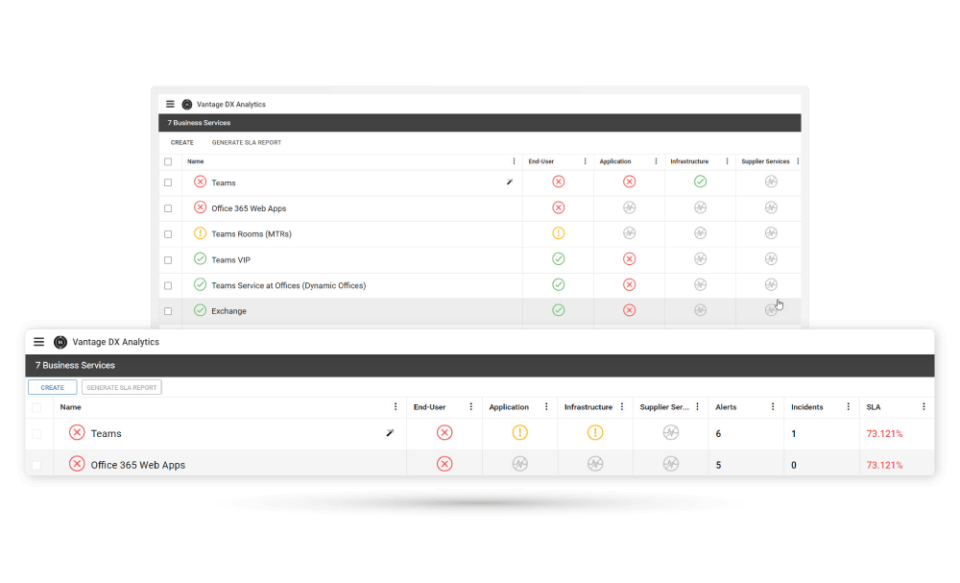
Alert on DAG Down
Replication services checks
DAG Real Time statistics
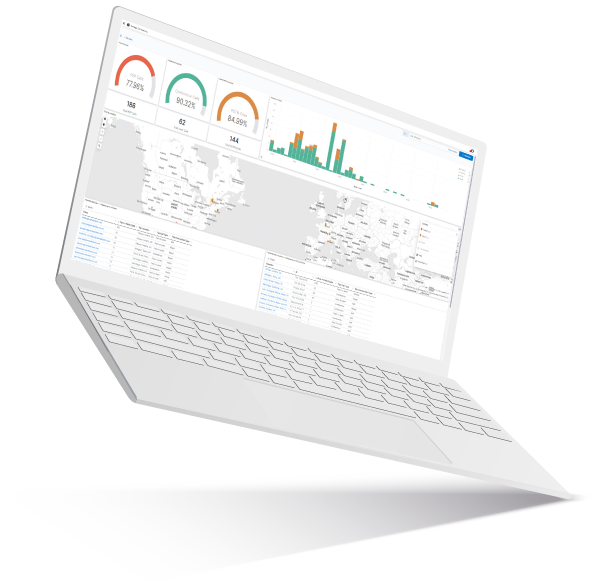
Reporting on Database Availability Group
One by one GSX Monitor checks the function and availability of each of the following components of the DAG providing visual feedback and alert.

Alert on DAG Down
The DAG provides two main services: High availability of the mailbox database store and consistent copies of the database. For GSX, a DAG is up and running if these two conditions are true:
- There is at least one healthy (passive) copy of each DB Store in the DAG
- DB Stores can replicate in real time one with each other across the DAG
GSX checks constantly and scans repeatedly to ensure that these two conditions are maintained. If not, it will alert that the DAG is down with the description of the DB in error or indicate the replication test that failed if it is a critical one.
Warning on DAG
Alerts can be sent if a non-critical error is detected on the DAG.
For example:
- One server on the DAG is down but there is still at least one healthy copy of each active DB in the DAG.
- One of the replication tests returns a warning (i.e. Content Index fails). In this case, the replication is still active but in a degraded mode.
Replication services checks
GSX constantly checks scans repeatedly to see if all of the services needed for replication are up and running at the server level. These include:
- Active Manager
- Cluster Network
- Cluster Services
- File Share Quorum
- Quorum Group
- Replay Service
- Task RPC Listener
- TCP Listener
For all of these tests, GSX remotely accesses each server, makes the tests in real time and displays all of the results in the real-time statistics view– alerting the administrator on any down and warning status.
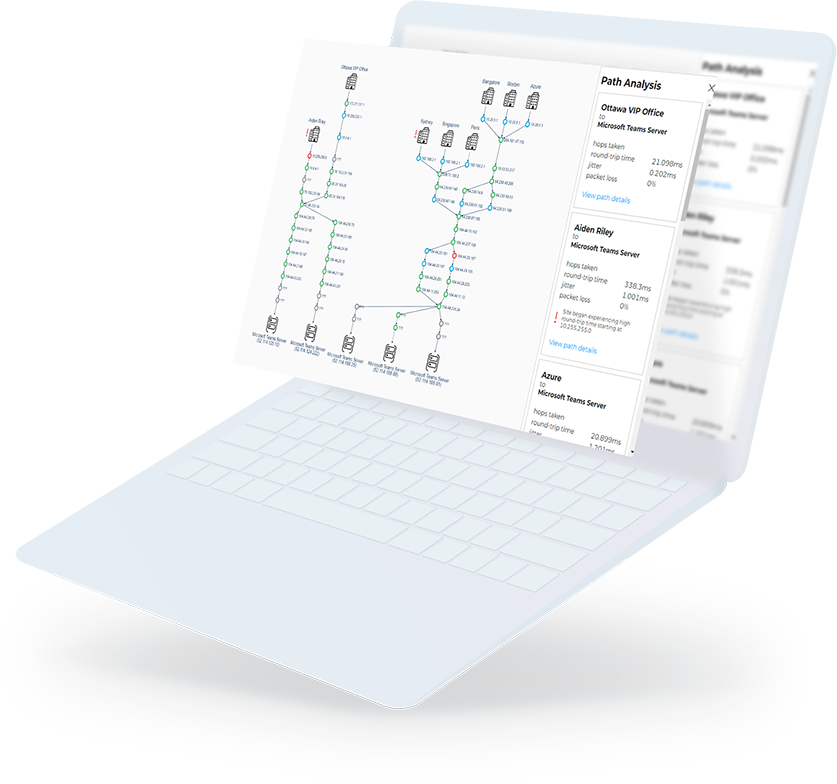
DAG Real Time statistics
GSX displays the following information:
- At the server level: servers and their status part of the DAG.
- At the DB Store Level: DB Stores in the DAG and status, number of copies across the DAG, server where the mounted DB is located, list of servers hosting a healthy and error copies and all of the traditional statistics related to the DB.
- At the Replication level: all of the results of the replication tests – Up, Down or Warning.
These real-time statistics are here in case of problem reported in the overview to isolate it and ease the troubleshooting.

Reporting on Database Availability Group
Because a DAG is ultimately a group of databases, GSX provides several sets of statistics to manage them at different levels:
- General availability of the DAG
As GSX calculates in real time the availability of the DAG – checking the status of the DB Store (at least one healthy copy per DB must be present on the DAG) and the replication services – GSX also reports on its availability in GSX Analyzer.
Hence, tending and forecasting are available on the following statuses: server up, server down, average access time, longest downtime, etc. The DAG provide the high availability of the mailboxes, so it is essential to continuously trend these statistics to follow the SLAs (if applicable) or to anticipate any degradation in the availability of the mailboxes for the end-users.
- GSX Analyzer DB Store Statistics at the DAG level
Database statistics are more critical than ever, while server statistics are not relevant anymore. What is important is the availability of the information rather than where it sits.
To check SLAs and general availability of the services, what really matters is the DAG (Database Availability Group) that clusters all the DB into a general pool of DB Stores. Here are the statistics provided by GSX Analyzer through which an administrator can easily report, compare, make trend and forecast.
- Number of healthy Mailbox Databases per DAG
- Percent of healthy Mailbox Databases per DAG
- Number of Mounted Mailbox Databases per DAG
- Percent of Mounted Mailbox Databases per DAG
- Number of mailboxes per DAG
- Average mailbox size per DAG
- Number of Mailbox Databases (per DAG)
- Total Disk Space usage for all Mailbox Databases (per DAG)
Statistics on the number and average size of mailboxes allow for the administrator to control the sizing and make capacity planning at the DAG level regarding the total population of users. It has to be correlated with the number of DB and the storage used in order to decide if the rules in place are still relevant at the DAG level.
- GSX Analyzer DB Store Statistics at the DB level
All of the following statistics have to be correlated with Database statistics at the DB level:
- Database: Up 24h
- Database: Up 24h without maintenance
- Database: Up business hours without maintenance
- Database: Down 24h
- Database: Down 24h without maintenance
- Database: Down business hours without maintenance
- Database: % up 24h (Day / Week / Month)
- Database: % up 24h without maintenance (Day/Week/Month)
- Database: % up business hours without maintenance (Day/Week/Month)
All of the mailboxes are stored in the DB and most of the time they inherit from their characteristics (quota for example). A decrease over time can be due recurrent issues, network, SAN problems, etc. This figure should reflect the SLA’s availability of mailboxes.