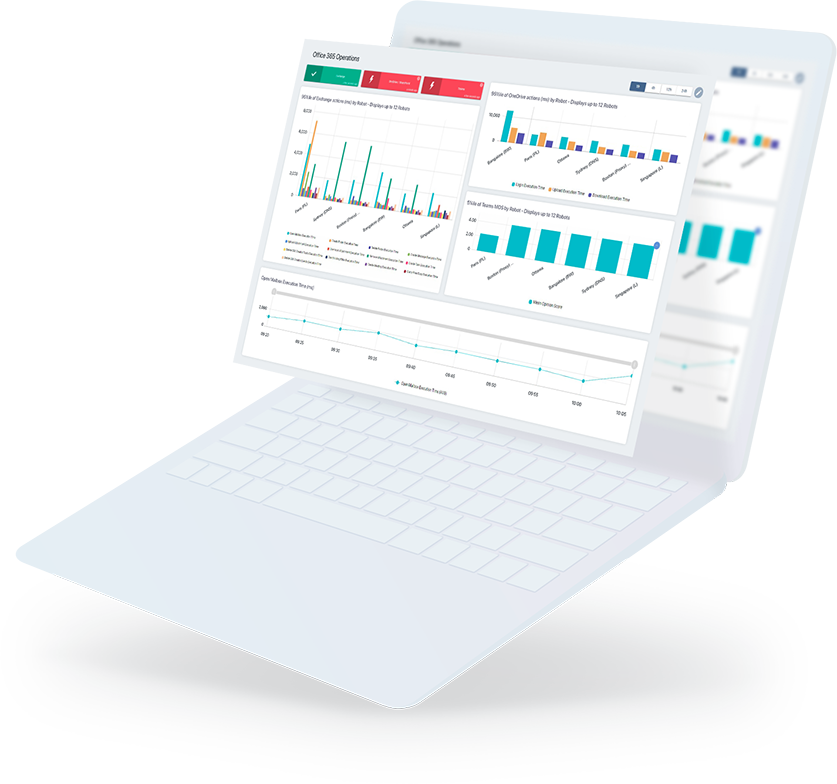






- Distribute Performance Data to specific individuals:
¤ Different IT administrators and operational managers have an interest in particular data points regarding the performance of your infrastructure. With Profiles in GSX Analyzer, you can provide selective access to particular reports to specified users and groups.
¤ IT administrators and operational managers get the information they need to make effective decisions about enhancing the performance of your collaboration portfolio, without drowning in a torrent of unnecessary information.
- Track the health of your of messaging, mobile and collaborative servers and services:
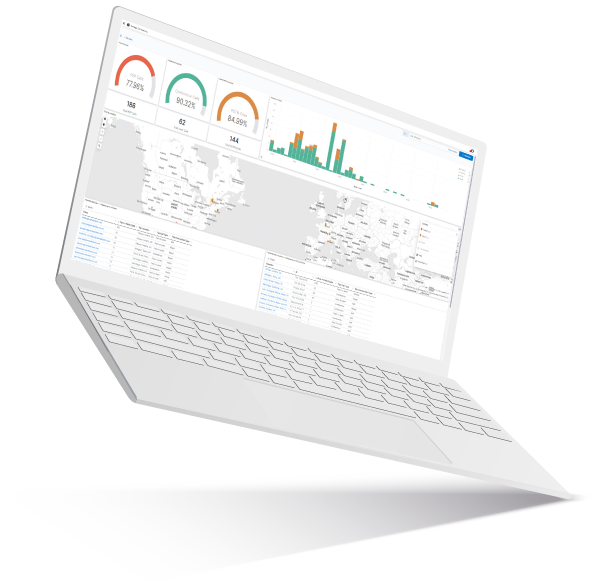
¤ Snapshot data from GSX Monitor is helpful for seeing what’s going on “right now”. GSX Analyzer brings additional insight with the Environmental Health feature, which shows the overall health of servers and services over time.
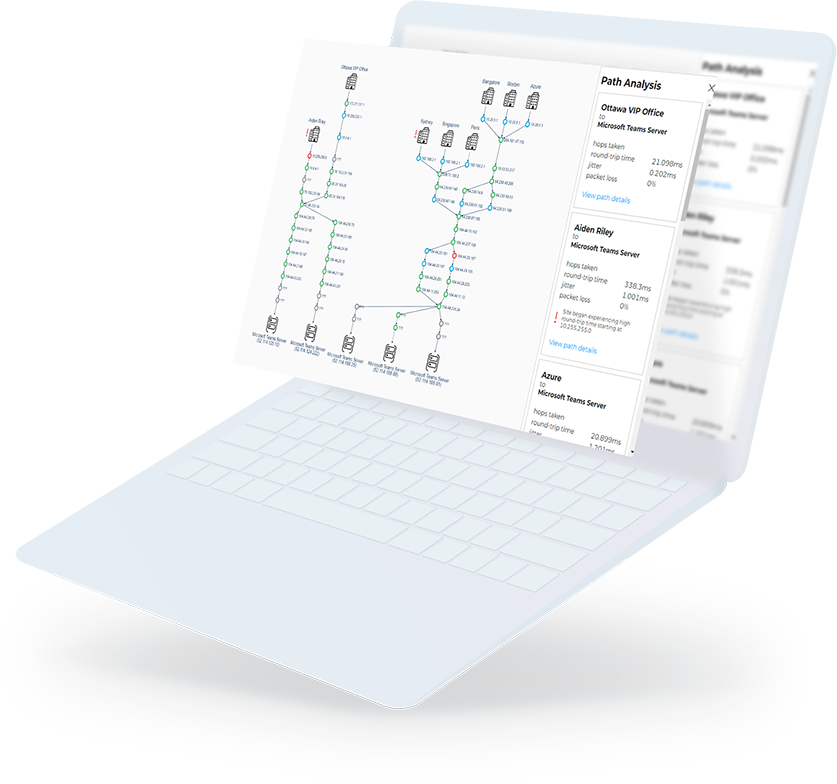
¤ Correlating different health statistics for collaboration servers and services enables the IT administrator to understand what’s not working as well as it should. Corrective action to resolve underperforming portfolio elements can be justified from the data, not made on the basis of wild guesses.
- Be smart about Cause and Effect for Service Level Agreements:
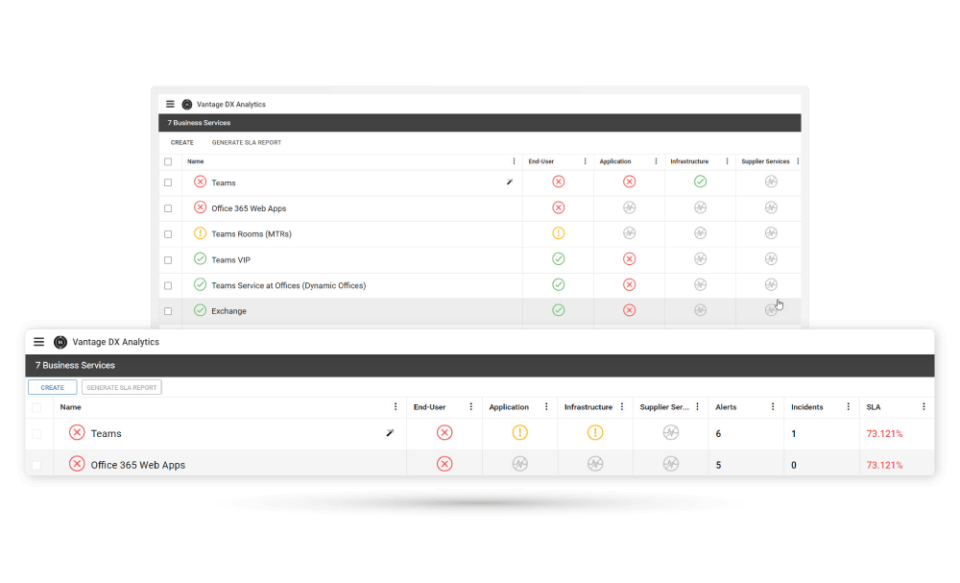
¤ Many IT departments are held accountable for performance against an SLA—such as percentage uptime for particular services. While an SLA is a good outcome measure for assessing overall performance, it doesn’t give any insight into how to improve performance.
¤ By correlating how KPIs affect the SLA, GSX enables you to be smart about cause-and-effect. You are able to see which KPI is dragging down SLA performance, and take corrective action before business users are impacted.